Guide · Published September 2026
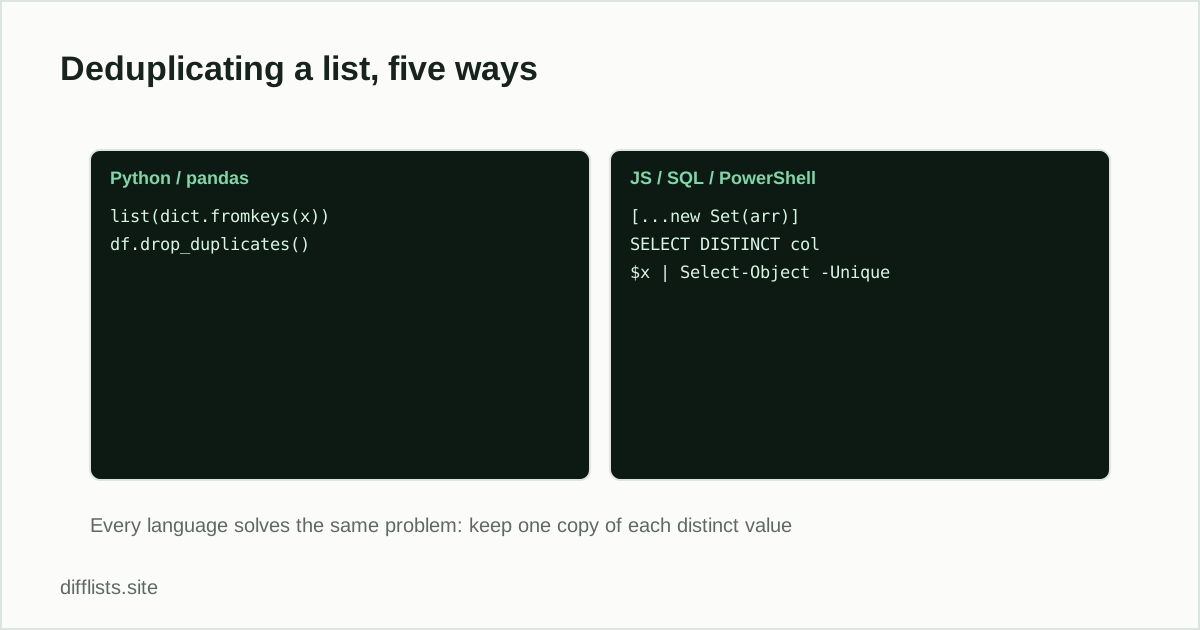
Deduplication is one of those problems every language has a one-liner for, which makes it easy to copy the wrong one-liner. They are not equivalent: some preserve the order of your data and some quietly scramble it, and they disagree about whether “Apple” and “apple” are the same value. This page is the map across all five, with a full walkthrough behind each.
The one idea underneath all of them
Every implementation does the same thing: walk the collection once, keep a record of values already seen, and emit an item only the first time it appears. Sets and hash maps make the “already seen” check close to constant time, which is why the idiomatic solution in every language is built on one of them. The naive alternative — checking whether each item is already in a growing output list — is quadratic and gets slow fast.
The five one-liners
| Language | Idiom | Preserves order? |
|---|---|---|
| Python | list(dict.fromkeys(items)) | Yes |
| Python (set) | list(set(items)) | No |
| pandas | df.drop_duplicates() | Yes |
| JavaScript | [...new Set(arr)] | Yes |
| SQL | SELECT DISTINCT col | No (use ORDER BY) |
| PowerShell | $items | Select-Object -Unique | Yes |
Python
dict.fromkeys() is the order-preserving choice, because dictionaries have kept insertion order since Python 3.7. set() is marginally faster and unordered — fine if you are about to sort the result anyway, wrong if the original order carried meaning. Full walkthrough including custom-key deduplication: removing duplicates from a Python list.
pandas
drop_duplicates() compares whole rows by default and keeps the first occurrence. The argument that matters is subset, which lets you define duplicates by one or more key columns rather than the entire row — usually what you actually want, since unrelated fields often differ between otherwise-duplicate records. See removing duplicate rows in pandas.
SQL
SQL splits into two different questions. SELECT DISTINCT gives a deduplicated result set without touching the table. Actually deleting duplicate rows needs ROW_NUMBER() OVER (PARTITION BY key) and a delete of everything ranked above 1 — and, because it is destructive, a preview as a SELECT first. See removing duplicate rows in SQL.
JavaScript
[...new Set(arr)] preserves order because JavaScript Sets iterate in insertion order. The caveat is objects: Sets compare by reference, so two distinct objects with identical properties both survive. Deduplicate by a key field instead. See working with arrays in JavaScript.
PowerShell
Select-Object -Unique preserves order; Sort-Object -Unique sorts as well. PowerShell is the odd one out on case: its string comparisons are case-insensitive by default, so “Apple” and “apple” collapse into one where Python and JavaScript would keep both. See removing duplicates from a PowerShell array.
The two gotchas worth memorizing
Order. If the sequence of your data means anything — a log, a ranked list, a CSV whose row order matters downstream — check whether your chosen idiom preserves it before shipping. A set-based dedupe that reorders rows is a bug that passes tests on small inputs and surfaces later.
Case and whitespace.Every one of these compares values exactly, except PowerShell’s default. That means "alice@example.com" and "Alice@example.com " are two distinct values, and a deduplication that looks like it did nothing usually just encountered data that needed normalizing first. Trim and lowercase before deduplicating when the field is case-insensitive in reality — email addresses being the classic example.
When not to write code
All of this is worth it when deduplication is a step in a pipeline that runs repeatedly. For a list you are cleaning once, opening an editor is slower than pasting it into a tool — the duplicates remover does the same job with the case and whitespace rules as visible toggles rather than arguments you have to remember. The conceptual background, including what counts as a duplicate in the first place, is in how to remove duplicates from a list.
One-off list? Skip the code entirely.
Open the duplicates removerFrequently asked questions
What's the fastest way to remove duplicates in most languages?
Convert the collection to a set and back. It's the shortest and usually the fastest option, but in several languages it does not preserve the original order.
Which languages preserve order when deduplicating?
JavaScript Sets and Python dictionaries both iterate in insertion order, so [...new Set(arr)] and list(dict.fromkeys(items)) keep order. A plain Python set() does not. PowerShell's Select-Object -Unique preserves order; Sort-Object -Unique sorts instead.
Are these deduplication methods case-sensitive?
Mostly yes. Python, JavaScript and pandas all compare strings exactly, so "Apple" and "apple" survive as two items. PowerShell is case-insensitive by default, and SQL depends on the column's collation.
How do I deduplicate by one field instead of the whole record?
Build the set from the key field rather than the whole object — pandas has subset=, SQL has PARTITION BY, and in Python or JavaScript you track seen keys explicitly while filtering the original collection.
Do I need to write code at all?
Not for a one-off list. Paste it into a browser-based duplicates remover and copy the cleaned result — code is worth it when the deduplication is a repeated step in a pipeline.