Guide · Updated June 2026
Two different kinds of “duplicate”
“Find duplicates” usually means one of two things: items that show up in both of two separate lists, or items that repeat within a single list. Each needs a different tool.
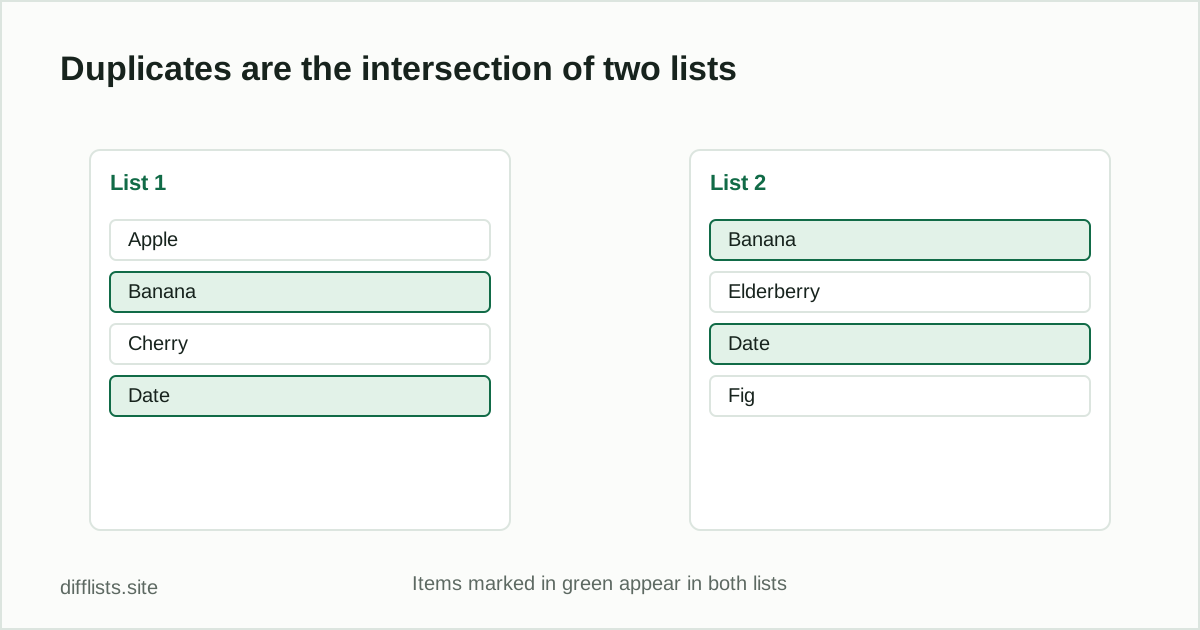
Duplicates between two lists = the intersection
If you have two exports — say, last month’s customer list and this month’s — and want to know which records exist in both, paste one into List 1 and the other into List 2, then read the Intersection (A ∩ B) result. That set is exactly your duplicated/shared records. See Union vs. Intersection vs. Difference if the terminology is new.
Duplicates within a single list
If you just have one messy list with repeated entries, paste it into either panel and use the Cleanaction — it removes duplicate lines according to your current match rules (case sensitivity and whitespace trimming both affect what counts as “the same”). The item-count badge updates immediately so you can see how many entries were removed.
Case sensitivity changes the answer
With case sensitiveoff (the default), “Alpha” and “alpha” are treated as duplicates of each other. Turn it on when case actually matters — product SKUs, order IDs, or anything where “ABC-1” and “abc-1” should be counted separately.
Whitespace is a common false negative
“Alpha” and “Alpha ” (with a trailing space) look identical but won’t match as text. Keep Trim spaces on unless you have a specific reason to compare raw, untrimmed strings.
Find your shared and duplicate items now.
Open the duplicates removerFrequently asked questions
How do I remove duplicates from a list?
Paste the list into either panel and use the Clean action — it removes repeated lines according to your current case and whitespace settings.
What counts as a duplicate by default?
By default matching is case-insensitive and trims whitespace, so "Item" and "item " count as the same value. Toggle case sensitivity off that behavior.
How do I find items that exist in both of two separate lists?
Paste one list into List 1 and the other into List 2, compare, then read the Intersection result — that's every item duplicated across both lists.
Does whitespace cause false duplicate matches?
It can cause false negatives instead — a trailing space makes two otherwise-identical items look different. Keep Trim spaces on to avoid that.