Guide · Published September 2026
Pandas has a purpose-built method for this, so the code is short — the part worth understanding is the arguments, since they change what counts as a duplicate and which row survives.
The basic case
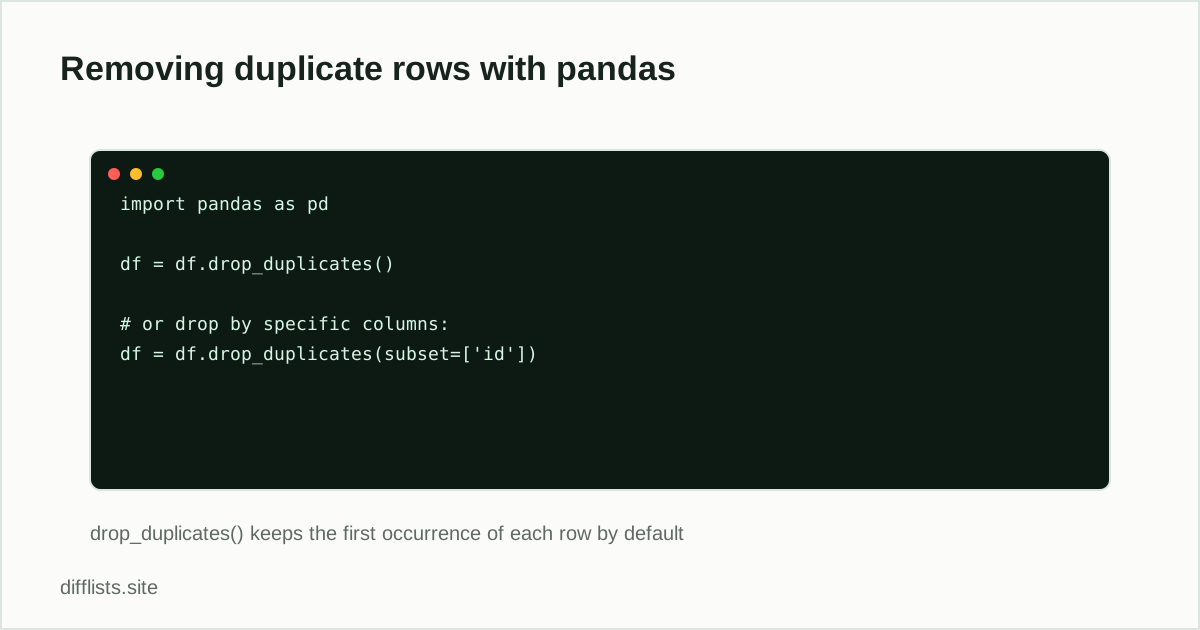
df = df.drop_duplicates()
This compares every column across all rows and drops any row that’s an exact match of an earlier row, keeping the first occurrence.
Deduping by specific columns
Most real duplicate problems aren’t “the whole row matches” — they’re “this key column matches even though other fields differ.” Use subset for that:
df = df.drop_duplicates(subset=['email'])
This keeps the first row for each unique email address and drops the rest, regardless of whether other columns match.
Choosing which occurrence survives
keep='first'(default) — keep the first occurrence.keep='last'— keep the last occurrence, useful when later rows represent more recent data.keep=False— drop every row that has any duplicate, keeping only rows that were unique to begin with.
Inspecting duplicates before removing them
Dropping duplicates silently can hide a data problem worth understanding first. Check what’s about to be removed:
df[df.duplicated(subset=['email'], keep=False)]
This returns every row involved in a duplicate group (not just the extras), which is usually more useful for a quick visual sanity check before you commit to dropping anything.
Getting unique values from a single column
If you just need the distinct values from one column rather than deduped rows, df['col'].unique() is simpler than drop_duplicates() and returns a NumPy array instead of a DataFrame.
Ignoring the index when comparing
drop_duplicates()compares column values, not the DataFrame’s index, so two rows with different index labels but identical values still count as duplicates. After dropping, the remaining rows keep their original (now non-sequential) index — call df.reset_index(drop=True)afterward if you need a clean 0, 1, 2… index again.
Whitespace and case hide duplicates too
A column with 'Alice' and 'alice '(a trailing space, different case) won’t be caught by drop_duplicates(), since it compares values exactly. Normalize first if that’s a risk:
df['email'] = df['email'].str.strip().str.lower()
then run drop_duplicates(subset=['email']) against the cleaned column.
Checking how many rows were removed
before = len(df); df = df.drop_duplicates(); print(before - len(df))
A quick before/after length comparison is often more useful than trusting the operation silently “worked” — especially before overwriting a file with the deduplicated version.
Deduplicating across multiple files
If duplicates might exist between two separate exports rather than within one DataFrame, concatenate them first, then drop duplicates across the combined result:
combined = pd.concat([df1, df2]); combined = combined.drop_duplicates(subset=['email'])
This is the pandas equivalent of taking the union of two lists and then deduplicating — useful when merging two exports that might overlap.
Reset the index afterward if the combined DataFrame will be saved or exported, so the row numbers stay clean and sequential rather than showing the original file each row came from: combined = combined.reset_index(drop=True).
Same idea in other languages
For plain Python lists without pandas, see removing duplicates from a Python list. For SQL tables, see removing duplicate rows in SQL.
No code required
If you just need to dedupe a plain column of values rather than a full DataFrame, paste it into the duplicates remover instead.
Just deduping a column, not a full DataFrame?
Open the duplicates removerFrequently asked questions
What does drop_duplicates() keep by default?
It keeps the first occurrence of each duplicated row and drops the rest, comparing all columns unless you pass subset.
How do I dedupe by only one or two columns?
Pass subset=['email'] (or a list of column names) to drop_duplicates() — rows are considered duplicates if those columns match, even if other columns differ.
How do I keep the last occurrence instead of the first?
Pass keep='last' to drop_duplicates(). Use keep=False to drop every row involved in a duplicate group entirely, keeping only rows that were already unique.
How do I just see which rows are duplicated without dropping them?
Use df[df.duplicated()] to view the duplicate rows (excluding the first occurrence), or df.duplicated(keep=False) to flag every row in a duplicate group.