Guide · Published September 2026
PowerShell has a built-in cmdlet parameter for this, so the syntax is short — the detail worth knowing is that comparisons are case-insensitive by default.
The basic case
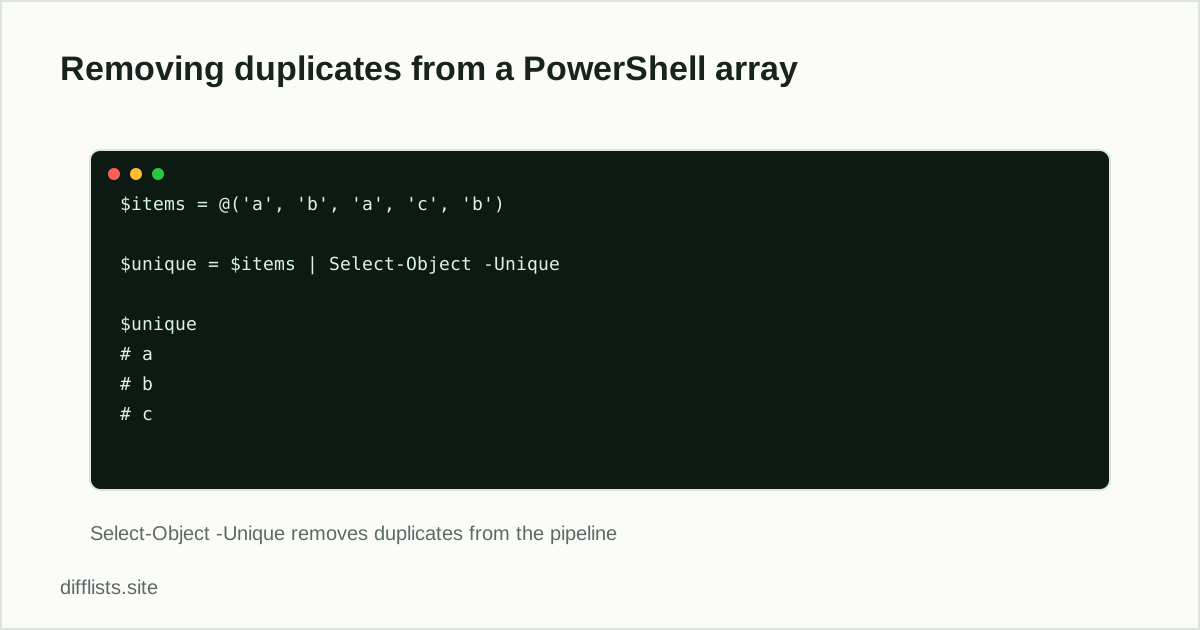
$unique = $items | Select-Object -Unique
This keeps the first occurrence of each distinct value and preserves the original order of the array.
Sort-Object -Unique (sorted result)
$unique = $items | Sort-Object -Unique
Functionally similar, but the result comes back sorted rather than in original order — useful when you wanted a sorted, deduplicated list anyway.
Case sensitivity
PowerShell’s default string comparisons are case-insensitive, so 'Apple' and 'apple' are treated as duplicates by both cmdlets above. If you need exact-case matching, sort with -CaseSensitive where your PowerShell version supports it, or dedupe manually with a case-sensitive hash set:
$seen = [System.Collections.Generic.HashSet[string]]::new(); $unique = $items | Where-Object { $seen.Add($_) }
Deduplicating objects by one property
For an array of objects (not plain strings), Select-Object -Unique compares whole objects, which rarely matches what you want. Group by the property that defines a duplicate instead:
$items | Group-Object Email | ForEach-Object { $_.Group[0] }
This keeps one object per distinct Email value.
Deduplicating and sorting a file’s contents
A common real-world version of this problem is a text file with repeated lines — a log, an export, or a list saved from somewhere else:
Get-Content .\list.txt | Select-Object -Unique | Set-Content .\list-clean.txt
This reads the file line by line, removes duplicate lines, and writes the result to a new file — useful when the “array” you’re deduplicating is really a plain text file rather than something already loaded into a PowerShell variable.
Checking how many duplicates were removed
$before = $items.Count; $unique = $items | Select-Object -Unique; $before - $unique.Count
Comparing counts before and after is a quick way to confirm the dedupe actually did something, rather than assuming it worked because no error was thrown.
Whitespace differences count as different values
'value' and 'value ' (with a trailing space) are different strings as far as -Unique is concerned, even though they look identical when printed. Trim before deduping if the source data might have stray whitespace:
$unique = $items | ForEach-Object { $_.Trim() } | Select-Object -Unique
Combining and deduplicating two arrays
To merge two arrays into one deduplicated list, combine them first and pipe the result through -Unique:
$combined = ($listA + $listB) | Select-Object -Unique
This is the PowerShell equivalent of a union followed by a dedupe — useful for merging two exports that might overlap.
Finding what’s only in one array
Select-Object -Unique only removes duplicates within a single array. To find items only in one of two arrays, use Compare-Object instead:
Compare-Object $listA $listB | Where-Object { $_.SideIndicator -eq '<=' } | Select-Object -ExpandProperty InputObject
SideIndicator of <= means the item was found only in the first array ($listA); => means only in the second.
Leave -IncludeEqual off unless you also want matching items included in the output, since by default Compare-Object only reports differences.
That default behavior mirrors the difference operation people usually mean when they say “compare these two arrays.”
Same idea in other languages
For a plain-text list, see the Python version. For a database table, see the SQL version.
No code required
To dedupe a plain exported list without a script, paste it into the duplicates remover instead.
Just cleaning up an exported list?
Open the duplicates removerFrequently asked questions
How do I remove duplicates from an array in PowerShell?
Pipe the array through Select-Object -Unique: $items | Select-Object -Unique.
Is Select-Object -Unique case-sensitive?
No, by default it treats "Apple" and "apple" as the same value. Cast values to a case-sensitive comparison, or use Sort-Object with -Unique and -CaseSensitive if your PowerShell version supports it, for exact-case matching.
Does Select-Object -Unique preserve the original order?
Yes, it keeps the first occurrence of each distinct value in its original position, unlike Sort-Object -Unique, which also sorts the result.
How do I deduplicate an array of objects by one property?
Group by the property and take the first of each group: $items | Group-Object PropertyName | ForEach-Object { $_.Group[0] }.