Guide · Published September 2026
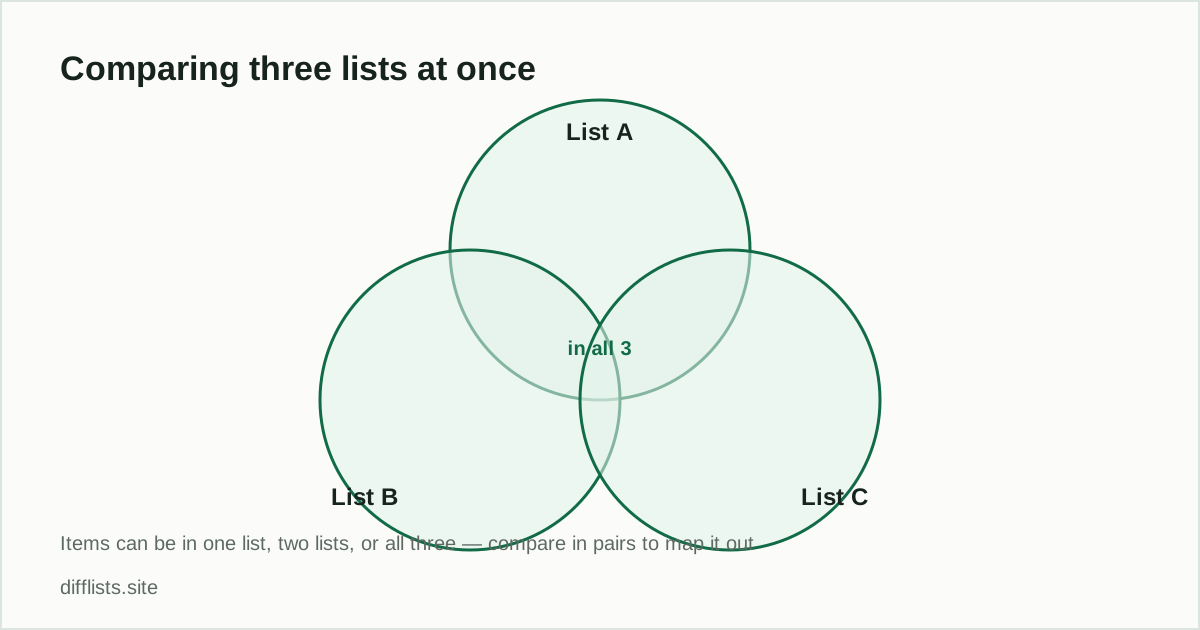
Most comparison tools, this one included, take two lists at a time. That is not the limitation it looks like: any multi-list question can be answered by chaining pairwise comparisons, and doing it that way is often clearer than a single dense three-way result would be.
The pattern: fold in one list at a time
Every multi-list comparison follows the same shape. Compare the first two lists, keep whichever result answers your question, then compare that result against the next list. Repeat until you have used every source. Two lists takes one pass, three takes two, four takes three.
Finding what’s in all three lists
- Compare List A against List B and copy the intersection.
- Paste that intersection into List 1 and List C into List 2.
- Compare again — the new intersection is everything present in all three lists.
This works because intersection is associative: (A ∩ B) ∩ C gives the same set as intersecting all three simultaneously. The intermediate result is genuinely useful on its own, too — it tells you how much A and B overlapped before C entered the picture.
Finding what’s in at least one list
The union follows the same chain. Union A and B, paste the result back in, union it with C. The final set is every distinct item across all three sources, with anything appearing in multiple lists collapsed to one entry. This is the standard way to build a master list from several overlapping exports — the same job described in merging two lists online, just repeated.
Finding what’s unique to one list
This one needs a small inversion. To find items only in List A and in neither of the others, first union B and C into a single combined set, then compare A against that combined set. The only in List 1 result is what is unique to A. Doing it the other way around — comparing A against B, then against C — gives the wrong answer, because an item in A and C but not B would incorrectly survive the first pass.
Keeping track across passes
The one real cost of chaining is bookkeeping: after two or three passes it is easy to forget which intermediate result is sitting in List 1. Two habits help. Label your intermediate results in a scratch file as you go (“A∩B”, “A∩B∩C”) rather than relying on memory, and export the full JSON report at each step if the comparison is something you will need to justify later — it records the options used alongside the results.
When to stop chaining and use a spreadsheet
Pairwise chaining is the right tool up to about five or six lists. Past that, the number of passes grows and — more importantly — you usually start wanting to know which lists each item appeared in, not just whether it survived. That is a membership matrix, and a spreadsheet does it better: put every distinct item in column A, then use a COUNTIF per source column to mark which lists contain it. The Excel column comparison guide covers the COUNTIF pattern that makes this work.
A worked example
Three regional subscriber exports, and you want the people who appear in all three. Compare EMEA against APAC — say 1,200 addresses overlap. Paste those 1,200 into List 1 and the Americas export into List 2. The final intersection, maybe 340 addresses, is your global audience. The drop from 1,200 to 340 is itself informative: it says the Americas list diverges far more from the other two than they do from each other.
Subscriber lists specifically have their own handling rules around suppression and consent — see comparing email subscriber lists safely before acting on a result like that one.
Start with the first two lists.
Open the comparison toolFrequently asked questions
Can I compare three lists at once?
The tool compares two lists at a time, so a three-list comparison is done as two passes: compare A against B, then compare that result against C. The outcome is identical to a simultaneous three-way comparison.
How do I find items common to all three lists?
Take the intersection of A and B, then take the intersection of that result with C. What survives both passes exists in all three lists.
How do I find items that appear in only one of the lists?
Union the other two lists, then compare your target list against that combined set. The only-in-List-1 result is what's unique to that list.
Is there a limit to how many lists I can chain together?
No technical limit — each pass is just another two-list comparison. Practically, past five or six sources it's worth moving to a spreadsheet or a script that can track which source each item came from.